
How do I add exertion data to respiratory data?

During a test, the easiest way will be to connect your home trainer or sensors so that everything is managed by the software.
What is the purpose of the protocol?
The protocol generates effort signals that are associated with ventilatory thresholds and, more broadly, with training zones.
The protocol is essential to obtain a complete test report.
You performed a test in free mode
Performing a test in free mode means that no sensors are connected. The software does not record any protocols and does not associate any effort data with the ventilatory signals.
Add the protocol data using protocol editing or a .FIT file .
You did an outdoor test
During an outdoor test, the phone records respiratory data and the speed of movement of the phone.
You have the option to replace the phone's speed data with that of a third-party sensor.
Add the protocol data manually or using the .FIT file .
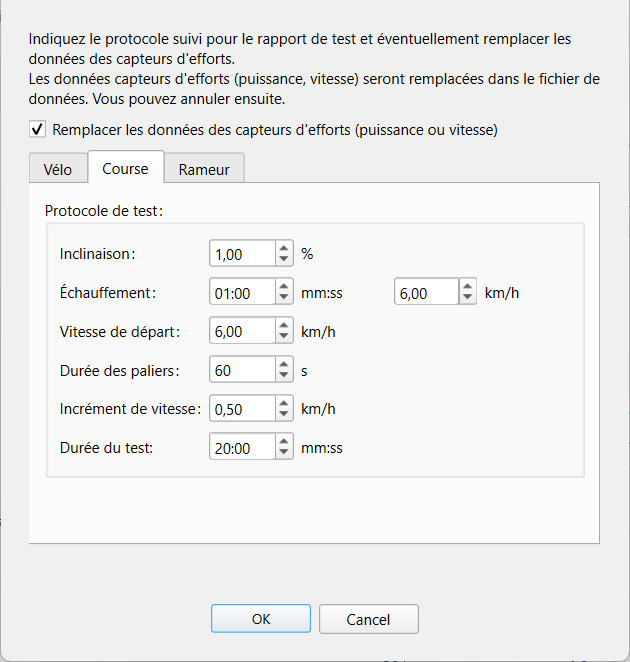
How do I edit the protocol manually?
In the "Analyze tests" menu, click on "Effort data" and then on "Edit protocol data".
How do I add data from a .FIT file?
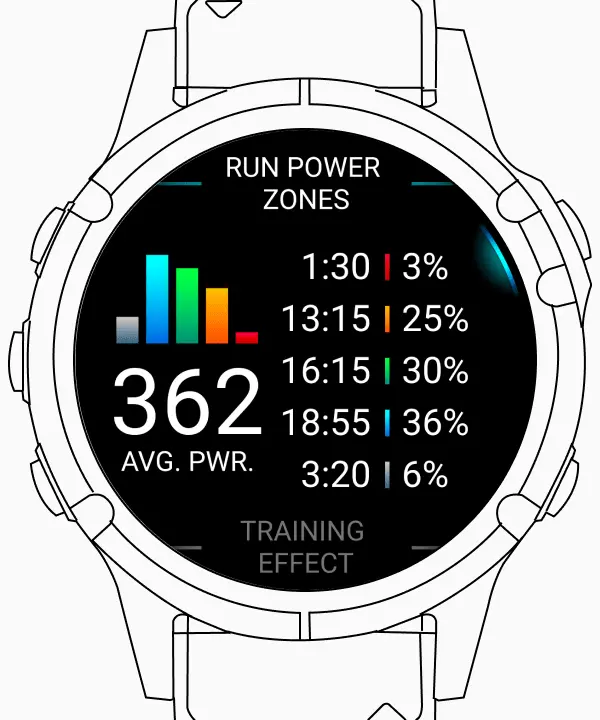
Retrieve the .FIT file from your connected device's activity log. Look for the three dots to download the .FIT file.
In the software, click on "Effort Data" then on "Import a .FIT file".
The data from the file is automatically added to your respiratory data.
How to revert to default settings
Click on "Effort Data" and then on "Restore Data". Any modification to the protocol or import of a .FIT file will be undone.


Comments